
What is GitHub Copilot?
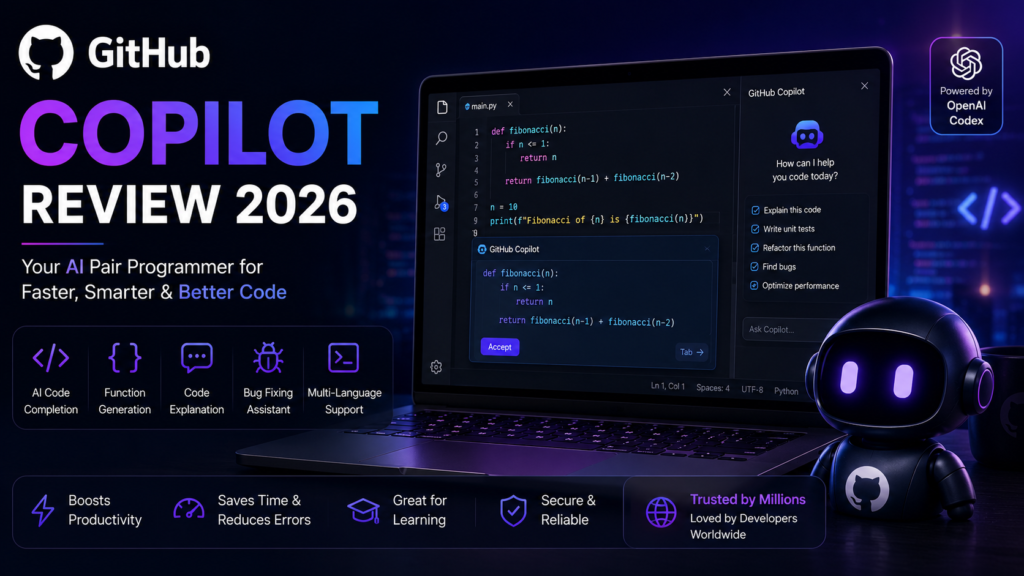
GitHub Copilot Review 2026: GitHub Copilot is an AI-powered coding assistant developed by GitHub and OpenAI. It helps developers write code faster by generating code suggestions, completing functions, explaining code, fixing bugs, and supporting multiple programming languages directly inside popular code editors like Visual Studio Code.
Key Features
• AI code completion
• Function generation
• Code explanation
• Bug fixing assistance
• Supports multiple programming languages
• Visual Studio Code integration
• Code refactoring
• AI chat for developers
Pros
✔ Speeds up coding
✔ Supports many programming languages
✔ Excellent VS Code integration
✔ Helps beginners learn coding
✔ Improves developer productivity
Cons
✘ Requires internet connection
✘ Some suggestions need manual review
✘ Advanced features require a paid plan
Pricing
| Plan | Price |
|---|---|
| Free | $0 |
| Pro | Around $10/month |
| Business | Around $19/user/month |
Best For
• Software Developers
• Students
• Web Developers
• App Developers
• Python Developers
• AI Engineers
Final Verdict
GitHub Copilot is one of the best AI coding assistants available in 2026. It significantly speeds up software development by generating intelligent code suggestions, reducing repetitive work, and helping developers learn new programming concepts. It is an excellent choice for both beginners and experienced programmers.
Frequently Asked Questions
Is GitHub Copilot free?
Yes. GitHub Copilot offers a free plan for eligible users and a paid Pro plan with additional features.
Which IDEs support GitHub Copilot?
GitHub Copilot works with Visual Studio Code, Visual Studio, JetBrains IDEs, and several other supported editors.
Is GitHub Copilot good for beginners?
Yes. It helps beginners understand programming concepts and write code more efficiently.
Official Website
Visit GitHub Copilot
https://github.com/features/copilot
Last updated : 26 July 2026