
What is Canva AI?
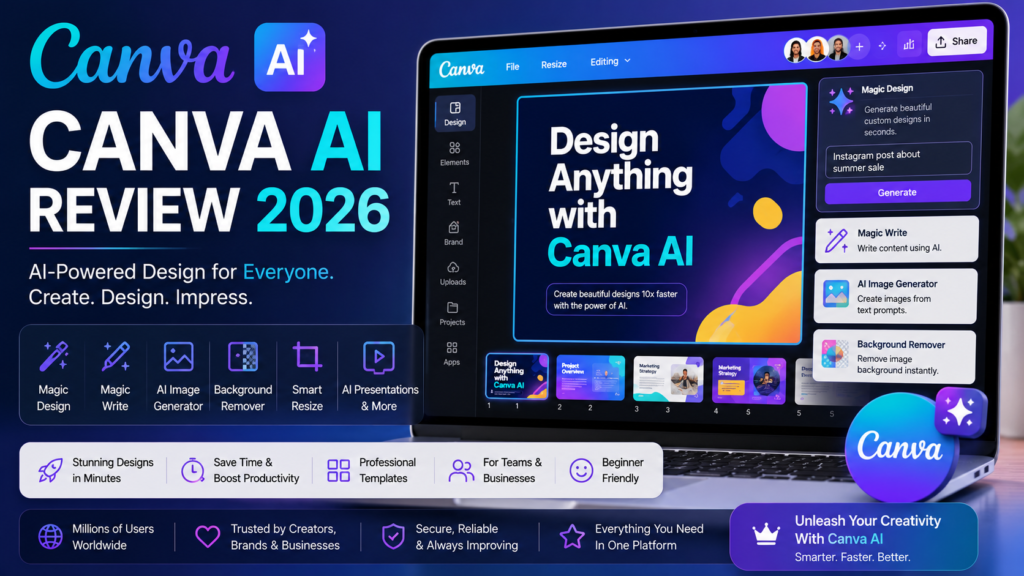
Canva AI Review 2026: Canva AI is an AI-powered design assistant built into Canva that helps users create professional graphics, presentations, social media posts, videos, logos, documents, and marketing materials in minutes. With tools like Magic Design, Magic Write, AI Image Generator, and Background Remover, Canva AI makes design fast and accessible for everyone.
Key Features
• Magic Design
• Magic Write
• AI Image Generator
• Background Remover
• AI Presentation Creator
• AI Video Editing
• Brand Kit
• Thousands of Premium Templates
Pros
✔ Beginner-friendly interface
✔ Powerful AI design tools
✔ Huge template library
✔ Fast content creation
✔ Great for teams and businesses
Cons
✘ Premium AI features require Canva Pro
✘ Internet connection required
✘ Limited advanced editing compared to professional software
Pricing
| Plan | Price |
|---|---|
| Free | $0 |
| Canva Pro | Around $15/month |
| Canva Teams | Custom Pricing |
Best For
• Content Creators
• Bloggers
• YouTubers
• Social Media Managers
• Small Businesses
• Students
Final Verdict
Canva AI is one of the best AI-powered design platforms in 2026. Whether you need social media graphics, YouTube thumbnails, presentations, or marketing materials, Canva AI offers powerful tools that help create professional-quality designs quickly. It is an excellent choice for beginners and professionals alike.
Frequently Asked Questions
Is Canva AI free?
Yes. Canva offers a free plan with basic AI tools, while advanced AI features are available with Canva Pro.
Can Canva AI generate images?
Yes. Canva AI includes an AI Image Generator that creates images from text prompts.
Is Canva AI worth it?
Yes. Canva AI is an excellent choice for anyone who wants to create professional designs quickly without advanced design skills.
Official Website
Visit Canva AI
https://www.canva.com/ai-image-generator
Last Updated: 26July2026